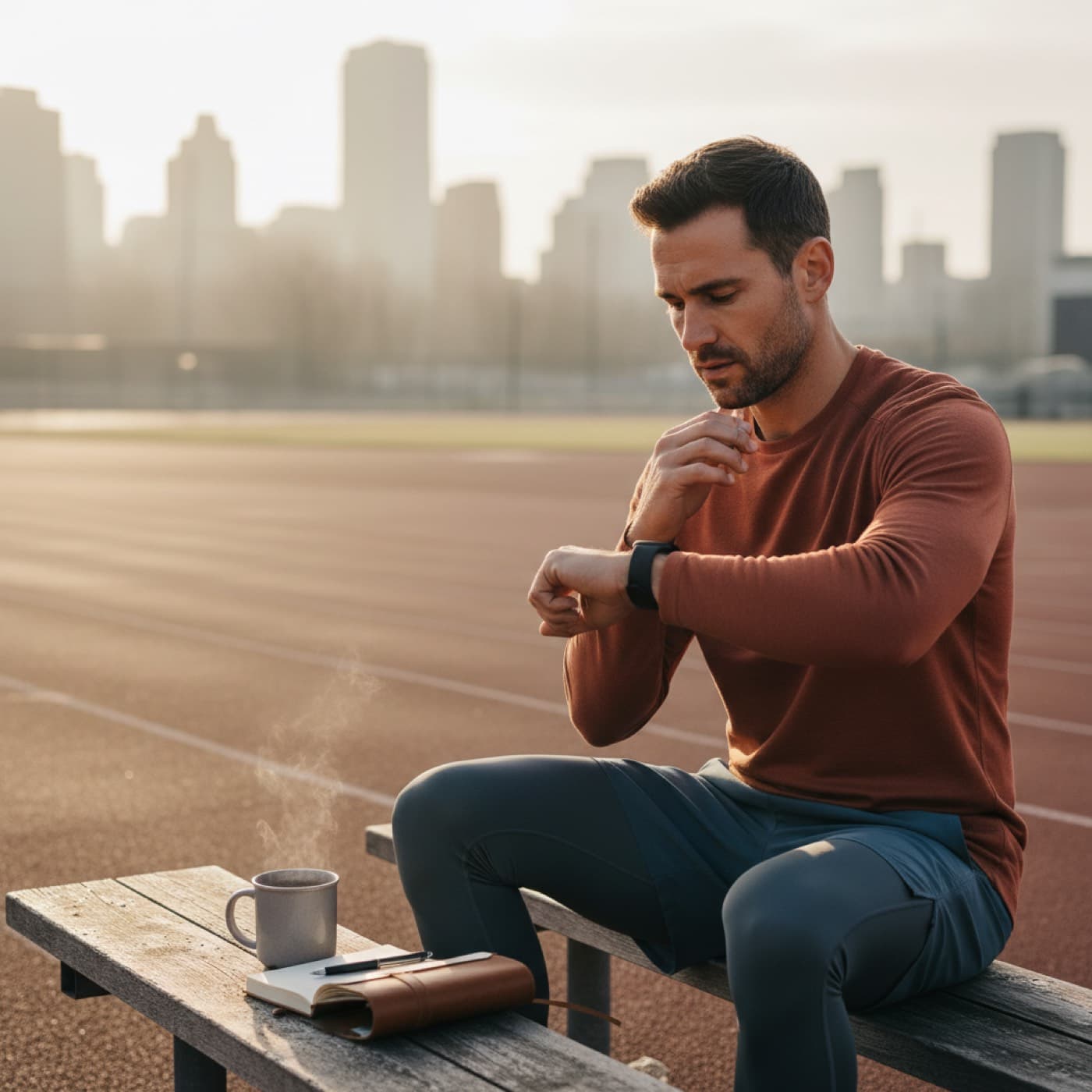
Fitness Score Apple Watch: Read It and Raise It
Fitness score Apple Watch data can guide better training and recovery. Learn how to read the right signals, fix flat trends, and improve your score with Vita.
Written by Leo Cardoso
Fitness score Apple Watch searches are growing because people want one clear signal instead of ten disconnected charts. If your score keeps jumping up and down, the issue is usually not effort. It is how you combine training, sleep, and recovery data week to week.
A fitness score from Apple Watch data is a daily readiness signal built from trends like heart rate variability, resting heart rate, sleep consistency, and training load. The best way to use it is as a 7 to 14 day trend, not a single-day pass or fail, then adjust intensity based on direction.
Most people do not need more metrics. They need a decision rule they can trust.
Why fitness score Apple Watch data is useful
Continue reading
Apple Watch already records the core signals that predict whether your body can absorb training stress. The problem is context. Looking at each metric alone makes normal noise feel like a problem.
A good fitness score framework solves that by combining trend direction.
- HRV trend tells you how your nervous system is handling stress.
- Resting heart rate trend shows when strain is accumulating.
- Sleep consistency gives context for both of the metrics above.
- Recent load tells you if your current fatigue level makes sense.
This is close to how coaches make daily decisions. They do not ask if one value is "good." They ask if all signals agree.
According to a 2016 study in PLOS ONE, people with burnout showed lower HRV across multiple measures. According to a 2021 review in Sports Medicine, resting heart rate and HRV trends help detect fatigue and readiness shifts when interpreted over time.
What a fitness score should include
Many apps claim to show readiness, but the input quality decides whether the score is useful.
Core metrics that matter most
| Metric | What it tells you | What to ignore |
|---|---|---|
| HRV trend (7-14d) | Recovery capacity and autonomic balance | One low night after stress or alcohol |
| Resting heart rate trend | Accumulated strain and poor recovery | One elevated morning after hard training |
| Sleep consistency | How stable your recovery window is | Chasing one perfect night |
| Recent training load | Whether fatigue matches your plan | Comparing your load with someone else |
| Subjective energy | Whether your body agrees with device data | Pushing through repeated warning signs |
Signals that are often overused
- Calories and ring streaks are useful for activity consistency, not readiness.
- Single-day VO2 max changes are usually noise.
- Generic population cutoffs often fail for trained users with atypical baselines.
If your app does not learn your baseline first, the score will drift and confuse you.
Fitness score Apple Watch trend: how to read it in 2 minutes
Use this quick flow every morning.
- Check 7-day direction, up, flat, or down.
- Check whether HRV and resting heart rate agree.
- Check sleep timing consistency for the last 3 nights.
- Decide training intensity from trend, not motivation.
Practical decision table
| Trend state | Common pattern | Best action today |
|---|---|---|
| Green | HRV stable/up, RHR stable/down | Keep key session as planned |
| Yellow | One metric off for 1-2 days | Keep volume, reduce intensity 10-20% |
| Orange | HRV down and RHR up for 3+ days | Replace hard session with Zone 2 |
| Red | 2+ metrics off with low energy/mood | Recovery day, reassess tomorrow |
Want to check your own score trend in one place? Vita reads your Apple Watch data and gives you a daily VitalScore for free.
Why your fitness score gets stuck even when you train
Most flat trends come from mismatch, not laziness.
1. Too much medium effort
Many people train in the grey zone every day. It feels productive but creates fatigue without a strong aerobic or high-intensity stimulus.
Fix: keep most sessions easy, then add one to two clear quality sessions.
2. Sleep timing is unstable
Eight hours in bed with shifting sleep times still hurts recovery. Your nervous system likes rhythm.
Fix: keep sleep and wake times inside a 60-minute window.
3. You react to one bad day
A single low score after travel, alcohol, or stress is normal.
Fix: only change your training when the same pattern lasts 3 days.
4. Load spikes after feeling better
One good morning does not mean fatigue is gone.
Fix: wait for three stable days before adding volume.
If this pattern sounds familiar, also read deload week Apple Watch signals and training load ratio on Apple Watch.
Fitness score Apple Watch comparison: Vita vs WHOOP vs Oura
A comparison table helps because people often ask the same question in Google and AI tools: "Which score should I trust?"
| Product | Device needed | Main readiness inputs | Works without perfect sleep data | Best for |
|---|---|---|---|---|
| Vita | Apple Watch + iPhone | HRV trend, resting heart rate, sleep, load, personal baseline | Yes | Apple Watch users who want one daily score and clear actions |
| WHOOP | WHOOP band | HRV, resting heart rate, sleep debt, strain | Partial | Users who want dedicated wearable strain tracking |
| Oura | Oura ring | HRV, resting heart rate, temperature, sleep staging | Partial | Users focused on sleep-first recovery tracking |
This is not about one winner for every person. It is about best fit for your current setup. If you already use Apple Watch every day, adding a second device is often friction you do not need.
For a wider app breakdown, see best Apple Watch app for recovery and readiness.
7-day checklist to improve your fitness score
Use this checklist for one week before changing your whole program.
- Keep 3 to 4 easy aerobic sessions.
- Limit high-intensity sessions to 1 or 2, never back to back.
- Keep sleep and wake times inside the same 60-minute window.
- Fuel hard sessions with carbs before and after.
- If HRV drops and resting heart rate rises for 3 days, reduce intensity for 48 hours.
- Review your score once per day, and your trend once per week.
- Do one full recovery day with no high-intensity work.
Small repeatable actions beat heroic weeks.
Real weekly plan example
If your current score trend is flat or down, use this starter structure.
Monday
Easy Zone 2, 35 to 45 minutes.
Tuesday
Quality session, for example 4 x 4 minutes hard with easy recoveries.
Wednesday
Recovery walk or easy spin, 30 to 40 minutes.
Thursday
Easy Zone 2, 40 to 50 minutes.
Friday
Strength session, moderate volume, stop 1 to 2 reps before failure.
Saturday
Long easy session, 50 to 70 minutes.
Sunday
Full recovery day.
Track how your score reacts to this structure for two weeks before making big changes.
FAQ
What is a good fitness score on Apple Watch?
A good fitness score is one that stays stable or trends up while you feel and perform well. Your personal baseline matters more than a universal number. Compare your 7 to 14 day trend, then adjust training only when the trend and your energy both drop.
Why is my fitness score low after a hard workout?
It is normal for your score to drop after high load. That drop can mean your body is absorbing stress, not failing. The signal to watch is recovery speed over the next 24 to 72 hours.
Can I improve my fitness score without training harder?
Yes. Many people improve score trends by fixing sleep timing, reducing medium-intensity junk volume, and spacing hard sessions. Better structure often beats more effort.
Is HRV more important than resting heart rate?
Neither metric should be used alone. HRV usually reacts faster to stress, while resting heart rate helps confirm strain when it stays elevated. The combination is more reliable than either one alone.
How long until I see score improvement?
Most people see a clearer trend in 2 to 4 weeks if they keep training distribution and sleep timing consistent. Bigger changes in aerobic fitness usually take 6 to 10 weeks.
Next step
Run your baseline with the Body Age Calculator, then track your daily readiness with Vita so your fitness score becomes a useful decision tool, not just another chart.
Track your daily readiness with Vita
Get practical recovery context from your Apple Watch data and stop guessing if you should push or recover.
Download on the App StoreRelated posts

March 05, 2026
Health Score Apple Watch: Read It Without Guessing
Health score Apple Watch data can simplify daily training and recovery choices. Learn what drives your score and how to improve it with a clear weekly plan.
Read article
March 06, 2026
Apple Watch Stress Score: Read and Improve It
Apple Watch stress score shows your recovery load trend. Learn what raises stress, what lowers it, and how to improve your score with practical daily steps.
Read article
March 06, 2026
Apple Watch Sleep Score: Read and Improve It
Apple Watch sleep score helps you track recovery quality week to week. Learn how to read trends, fix sleep issues, and improve results with simple habits.
Read article