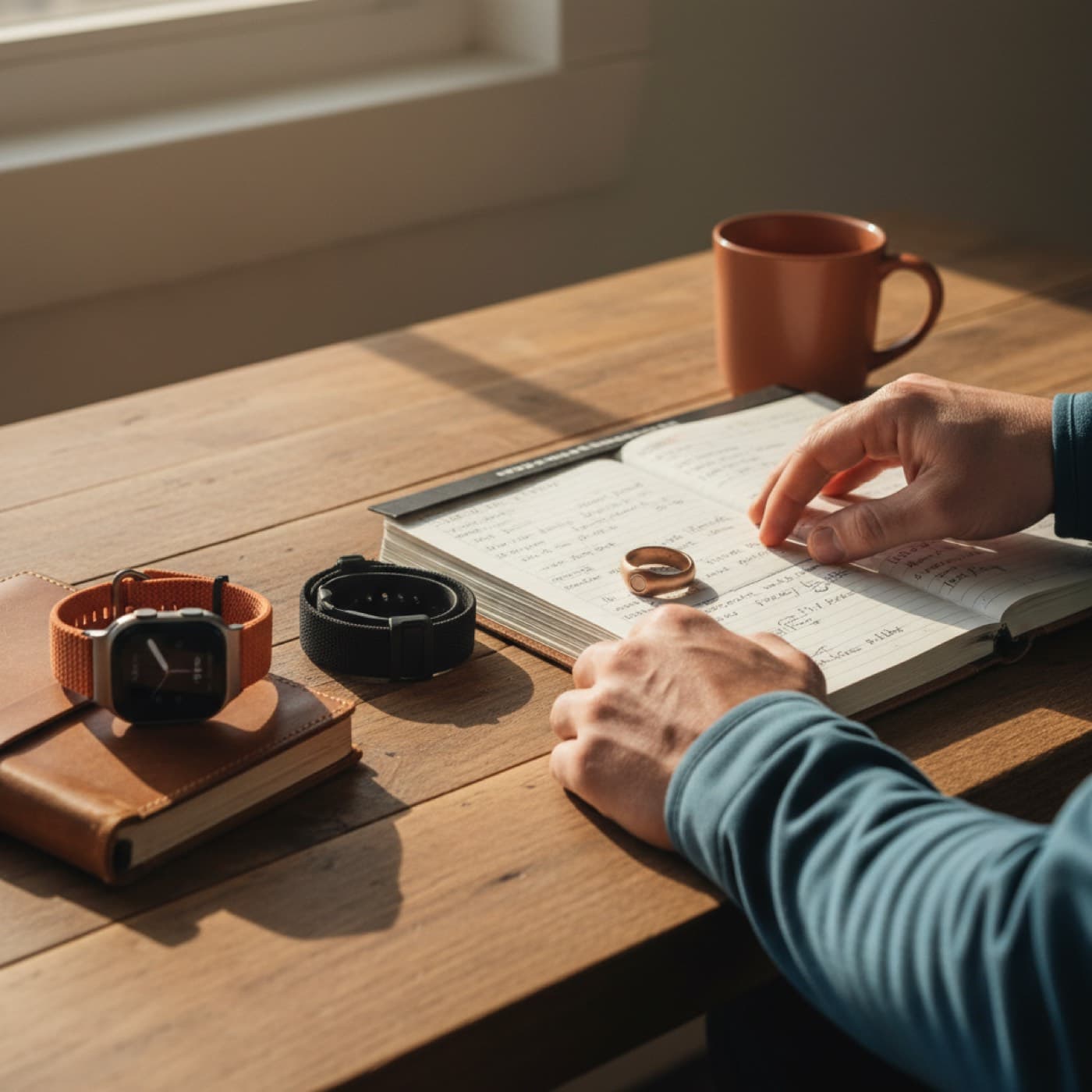
Apple Watch vs WHOOP vs Oura: Which One Fits You?
Apple Watch vs WHOOP vs Oura explained for recovery, sleep, HRV, comfort, and long-term cost. Pick the tracker that matches your training style and goals.
Written by Leo Cardoso
Apple Watch vs WHOOP vs Oura is one of the most common questions from people who train and care about recovery. All three track sleep, heart rate, and readiness signals, but they solve different problems.
If you want a short answer, start with your daily habit. Apple Watch is best for all-in-one training plus smartwatch use. WHOOP is best for people who want a strap-first coaching loop. Oura is best for sleep-first tracking in a ring.
Apple Watch vs WHOOP vs Oura is not really about the best sensor. It is about what you will actually wear every day, how much context you need to make training decisions, and what monthly cost you accept over years.
Watch: overtraining explained
A quick video on overtraining and recovery signals.
Source: YouTube
Apple Watch vs WHOOP vs Oura: quick decision by use case
Continue reading
If you run, lift, and want one device for workouts, notifications, and GPS, Apple Watch is usually the cleanest choice. You can pair it with a recovery app and get a readiness workflow without buying another wearable.
If your top priority is daily strain and recovery prompts with minimal screen distraction, WHOOP feels natural. It is built as a continuous coaching system. You wear it, open the app, and adjust training based on recovery and strain targets.
If sleep quality, bedtime consistency, and passive tracking matter most, Oura is often easier to keep on 24/7. Many people tolerate a ring at night better than a watch.
Want to track your own readiness trend from Apple Watch data in one place? Vita reads HRV, resting heart rate, sleep, and training context automatically. Download free.
Before you buy, ask one practical question: which form factor will you still wear on travel days, hard blocks, and rest days? The best tracker is the one that does not fall off your routine.
Sensor quality and what the research says
All three devices estimate physiology from optical signals, and no wearable is perfect in every condition. Wrist and finger sensors can drift with movement, skin tone, temperature, and fit.
For sleep staging, independent results are mixed across brands. A 2022 study in *Sleep Advances* compared several wearables against polysomnography and found that stage-level agreement varied and should be interpreted with caution, especially for deep and REM sleep estimates in individual nights (study).
For heart rate during exercise, wrist devices can be quite good at steady efforts but less stable during intervals and strength sessions. A validation study published in *The Journal of Personalized Medicine* reported strong heart rate agreement for Apple Watch during controlled treadmill activity, with lower reliability at very high intensity or with motion artifacts (study).
What this means for your decision is simple. Use wearables for trends, not single-point diagnosis. Weekly direction is more useful than one morning number. If your readiness score drops for several days and your resting heart rate stays elevated, that is a stronger signal than one bad night.
Recovery logic: where these products differ most
This is where Apple Watch vs WHOOP vs Oura gets real. The hardware matters, but the coaching model matters more.
WHOOP pushes a closed-loop behavior model. You wake up, see recovery, set a strain target, and move through the day. It is direct and easy to follow, especially if you like one app owning the whole loop.
Oura gives excellent daily context around sleep timing, recovery state, and behavior tags. For many people, Oura is less about training periodization and more about lifestyle control: bedtime, alcohol impact, stress load, and consistency.
Apple Watch gives the richest raw ecosystem because you can combine native workout data, third-party apps, and broad Apple Health history. The tradeoff is that Apple itself does not give one universal recovery score. Your experience depends on the app you choose on top.
If you want to read HRV and resting heart rate together, this guide helps: HRV vs Resting Heart Rate on Apple Watch. If you miss sleep data on some nights, use this framework: Apple Watch Readiness Without Sleep Data.
Cost, comfort, and lock-in over 24 months
Most people compare sticker price and ignore subscription drag. That is a mistake. Your real cost is device plus membership over time.
| Factor | Apple Watch (+ recovery app) | WHOOP | Oura |
|---|---|---|---|
| Form factor | Watch | Strap | Ring |
| Main strength | Training + smartwatch + ecosystem | Recovery coaching loop | Sleep and lifestyle consistency |
| Workout depth | High (native + apps) | Medium to high | Medium |
| Sleep comfort | Medium (varies by user) | Medium | High for many users |
| Subscription dependency | Optional, app-dependent | Core part of product | Core part of product |
| Data portability | High via Apple Health | Lower, app-centric | Medium |
| Best for | Apple users who want flexibility | Users who want guided daily strain/recovery | Users focused on sleep-first behavior |
If you hate wearing a watch at night, Apple Watch may underperform for recovery unless you are strict with charging habits. If you hate rings during lifting, Oura can become inconsistent. If you dislike subscriptions, WHOOP and Oura may feel expensive over time.
Check official product details before buying because plans and hardware bundles change: Apple Watch, WHOOP, Oura.
Weekly checklist: pick, test, and avoid buyer regret
Run this 7-day process before committing long term.
- Wear your candidate device every day and every night for one full week.
- Log three training sessions: one easy, one hard, one strength-focused.
- Compare morning readiness signals with how you actually felt in training.
- Check if you can explain your score trend without guessing.
- Measure friction: charging, comfort, app clarity, and notification noise.
- Decide only after one high-stress day and one poor-sleep night.
For training-heavy athletes, include load context in your review. This article helps: Training Load Ratio on Apple Watch. For an overview of daily score behavior, see Vital Score Apple Watch Guide.
What this means for performance and long-term health
Tracker choice should improve decisions, not create anxiety. If your wearable pushes you to sleep on time, reduce junk intensity, and train with clearer intent, it is doing its job.
The World Health Organization still centers the basics: regular aerobic and strength activity, sleep, and consistency over time (WHO guideline). Wearables help when they make these basics easier to execute.
That is why the best device is often the one with the simplest loop for your life. More metrics do not always mean better outcomes. Better adherence does.
FAQ
Is Apple Watch or WHOOP more accurate for recovery?
Neither is universally more accurate in every scenario. Accuracy depends on sensor fit, movement, sleep consistency, and how each platform calculates readiness.
In practice, the better option is the one you wear consistently and can interpret without confusion. Trend reliability over weeks matters more than one perfect morning score.
Is Oura better than Apple Watch for sleep tracking?
Oura is often easier to wear overnight, so many users get more complete sleep data. That can make it more useful for sleep-focused routines.
Apple Watch can still work very well for sleep if you manage charging and wear it overnight consistently. If you already train with Apple Watch, adding a recovery app may be enough.
Can I use Apple Watch instead of WHOOP and still track readiness?
Yes. Apple Watch plus the right app can provide readiness, HRV trend, resting heart rate trend, sleep context, and training load interpretation.
This setup is usually better if you want one device for workouts, GPS, and smartwatch features. It is less ideal if you want WHOOP's guided strain target workflow inside one closed app.
Which one is best for runners and triathletes?
Apple Watch is usually the best fit for runners and triathletes who want strong workout tooling and flexible app choice. WHOOP works well for athletes who want strict daily recovery coaching and minimal screen use.
Oura is useful as a sleep-first companion, but many endurance athletes still keep a watch for workouts and race pacing.
Should I buy two devices at the same time?
Most people should not. Start with one, run a 2 to 4 week consistency test, and check whether your decisions improve.
If you still feel blind on sleep or recovery, then add a second device with a clear reason. Buying two at once often creates duplicate data and decision fatigue.
If you want one clear daily signal that turns Apple Watch data into action, download Vita on the App Store. You can also start with the Body Age Calculator to set your baseline before your next training block.
Track your daily readiness with Vita
Get practical recovery context from your Apple Watch data and stop guessing if you should push or recover.
Download on the App StoreRelated posts

March 14, 2026
Sleeping Heart Rate Apple Watch: What's Normal?
Sleeping heart rate Apple Watch guide: learn what's normal at night, what raises it, and when a change in your overnight trend deserves rest or follow-up.
Read article
March 13, 2026
Body Battery Apple Watch: What to Use Instead
Body Battery Apple Watch isn't a native Apple metric. Learn which Apple Watch signals replace it, how to read them, and how Vita turns them into one score.
Read article
March 06, 2026
Resting Heart Rate Suddenly High on Apple Watch
Resting heart rate suddenly high on Apple Watch can signal stress, poor sleep, illness, or load spikes. Use this 72-hour plan to recover and adjust training.
Read article